
Optuna MCP Server



A Model Context Protocol (MCP) server that automates optimization and analysis using Optuna.
Use Cases
The Optuna MCP Server can be used in the following use cases, for example.
- Automated hyperparameter optimization by LLMs
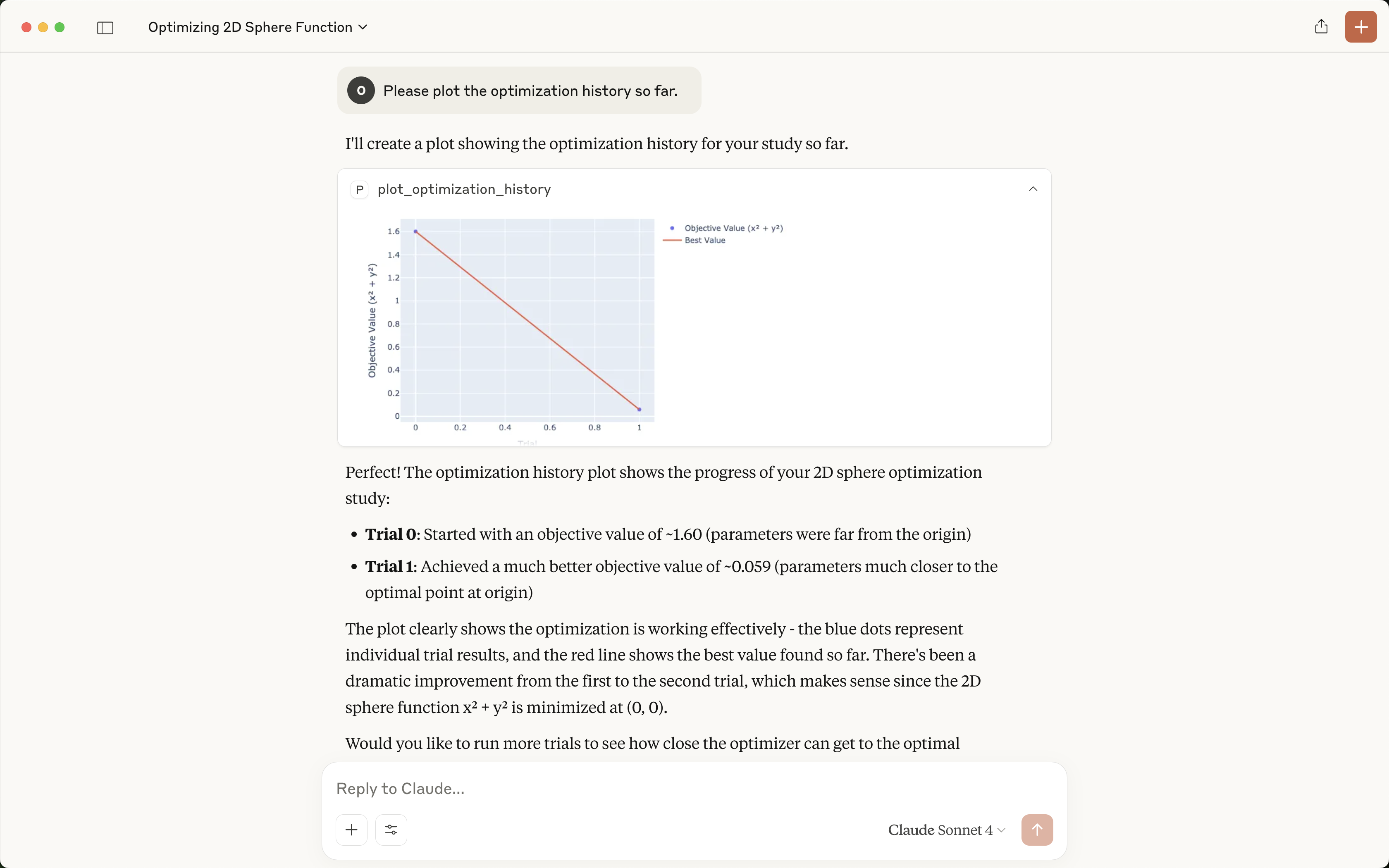
- Interactive analysis of Optuna's optimization results via chat interface
- Optimize input and output of other MCP tools
For details, see the Examples section.
Installation
The Optuna MCP server can be installed using uv or Docker.
This section explains how to install the Optuna MCP server, using Claude Desktop as an example MCP client.
Usage with uv
Before starting the installation process, install uv from Astral.
Then, add the Optuna MCP server configuration to the MCP client.
To include it in Claude Desktop, go to Claude > Settings > Developer > Edit Config > claude_desktop_config.json
and add the following:
{
  "mcpServers": {
    "Optuna": {
      "command": "/path/to/uvx",
      "args": [
        "optuna-mcp"
      ]
    }
  }
}


