
Screenshot MCP
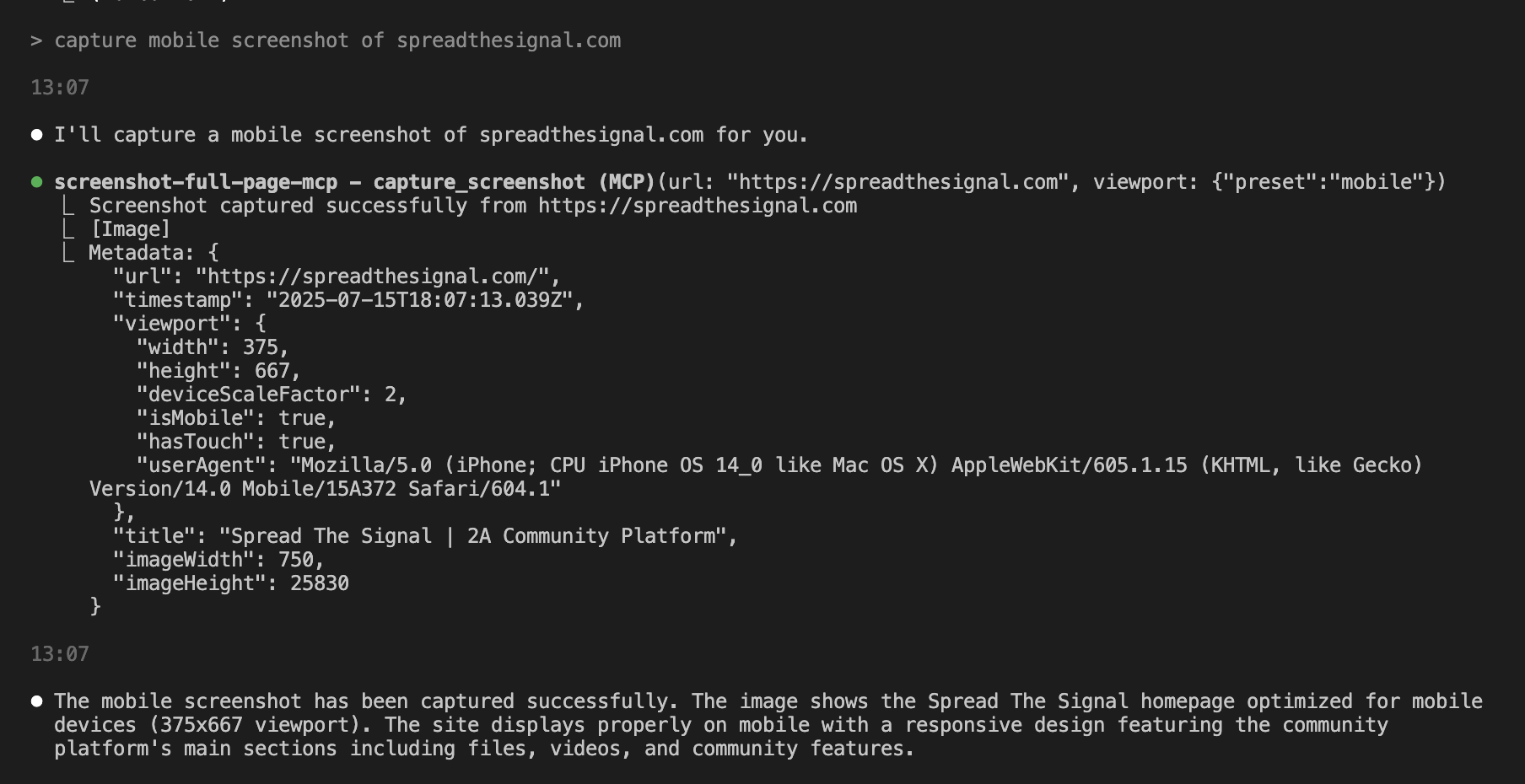
A Model Context Protocol MCP server for capturing website screenshots with full page, element, and device size features.
Features
- Full-page screenshot capture with automatic scrolling
- Element-specific screenshots using CSS selectors
- Multiple device presets (mobile, tablet, desktop)
- Custom viewport configurations
- Advanced wait conditions (CSS selectors, network idle, custom delays)
- Error handling and validation for secure operation
- Rate limiting to prevent resource exhaustion
Installation
- Clone or download this project
- Move to the directory:
cd /path/to/ScreenshotMCP - rename
.env.exampleto.env - Install dependencies:
npm install - Start Server:
npm start
Using with Claude Code
You can use Screenshot MCP directly within the Claude Code CLI or Claude Desktop to capture screenshots as part of your development workflow.
For Claude Code CLI:
Add to your ~/.config/claude/mcp_servers.json:
{
  "screenshot-full-page-mcp": {
    "command": "node",
    "args": ["/path/to/screenshot-full-page-mcp/index.js"]
  }
}


