
🚀 JMeter MCP Server
This is a Model Context Protocol (MCP) server that allows executing JMeter tests through MCP-compatible clients and analyzing test results.
Важно
📢 Looking for an AI Assistant inside JMeter? 🚀 Check out Feather Wand
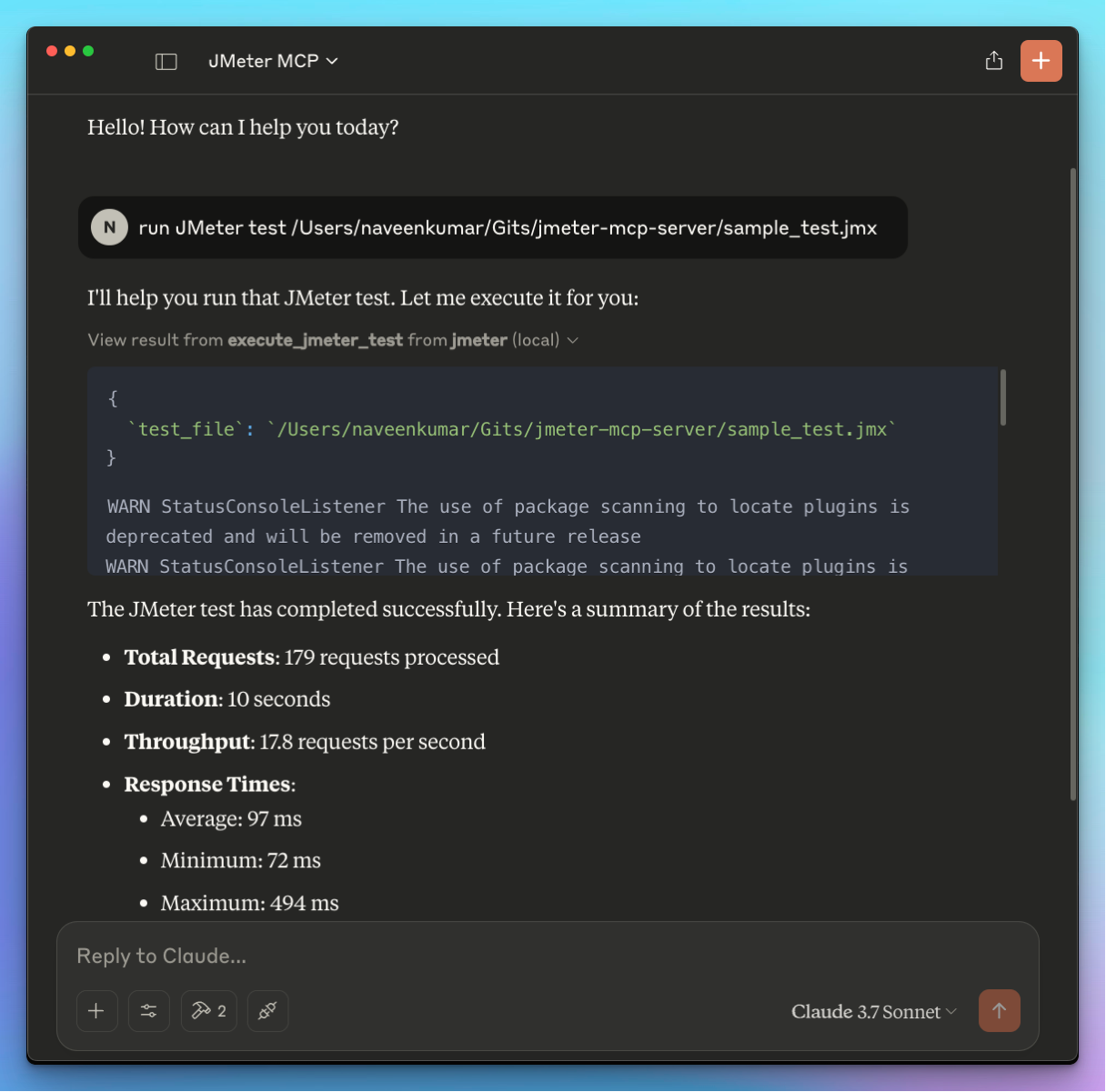
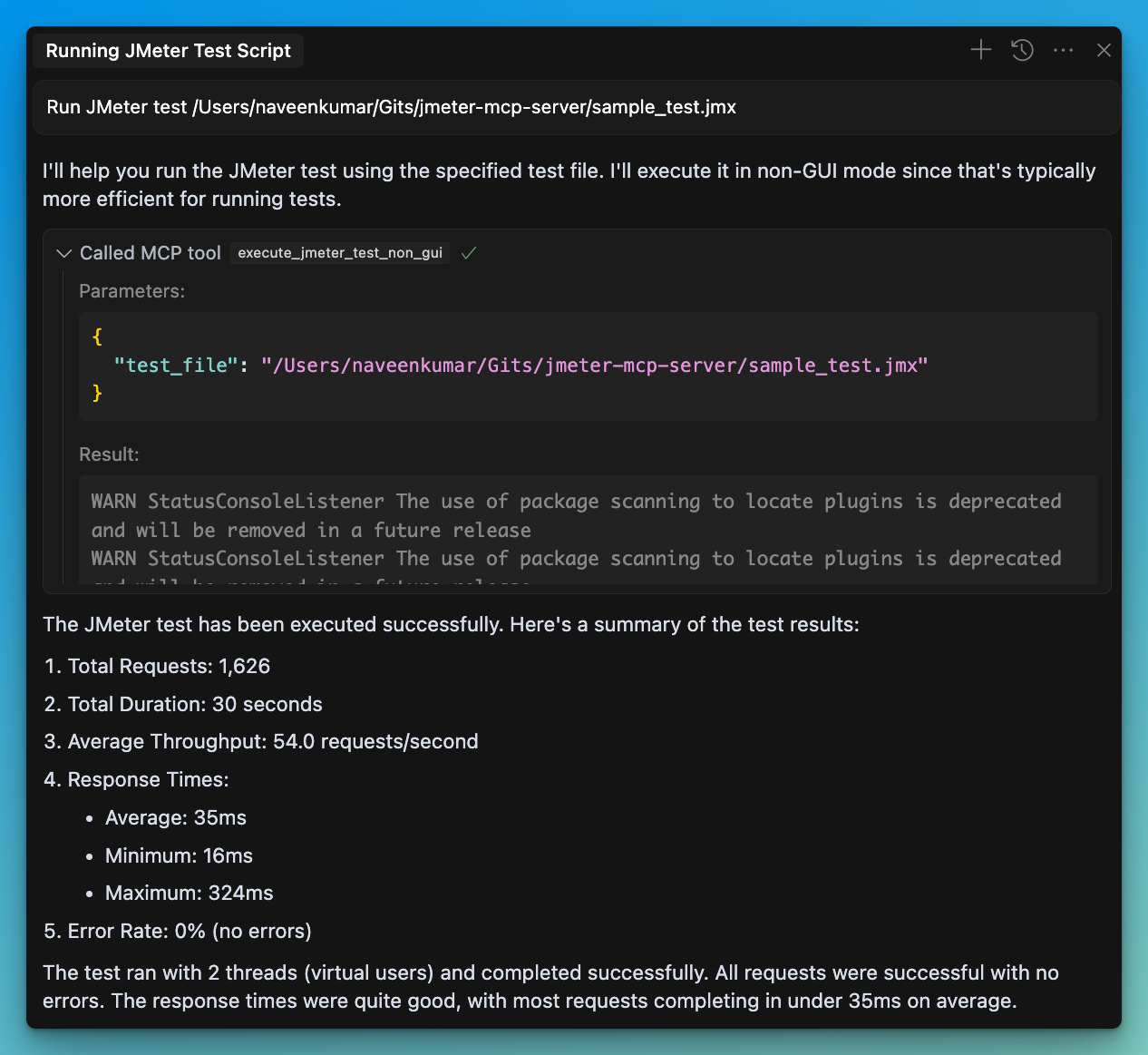
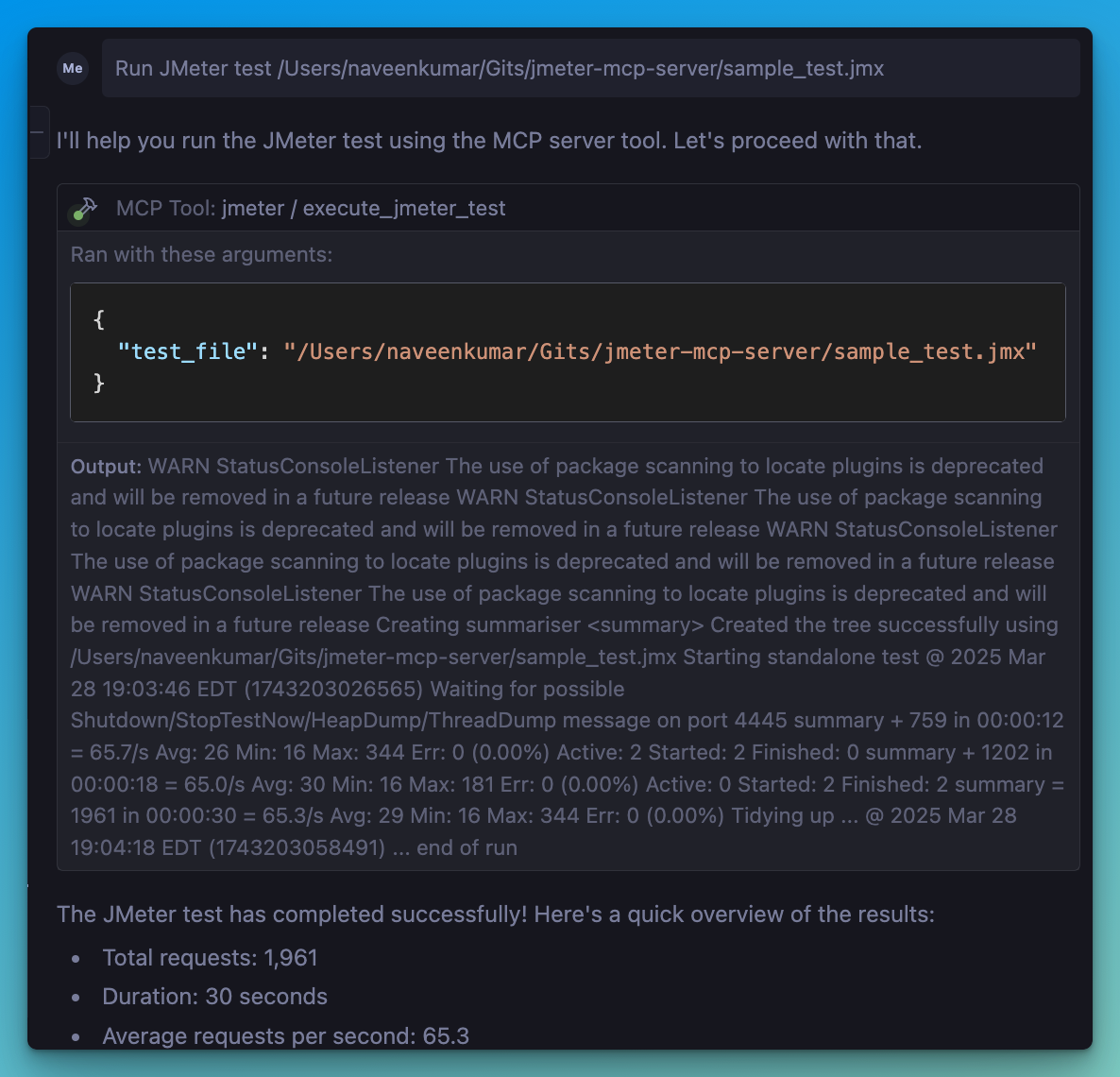
📋 Features
JMeter Execution
- 📊 Execute JMeter tests in non-GUI mode
- 🖥️ Launch JMeter in GUI mode
- 📝 Capture and return execution output
- 📊 Generate JMeter report dashboard
Test Results Analysis
- 📈 Parse and analyze JMeter test results (JTL files)
- 📊 Calculate comprehensive performance metrics
- 🔍 Identify performance bottlenecks automatically
- 💡 Generate actionable insights and recommendations
- 📊 Create visualizations of test results
- 📑 Generate HTML reports with analysis results
🛠️ Installation
Local Installation
Install
uv:Ensure JMeter is installed on your system and accessible via the command line.
⚠️ Important: Make sure JMeter is executable. You can do this by running:
chmod +x /path/to/jmeter/bin/jmeter- Install required Python dependencies:
pip install -r requirements.txt


