



Your AI calls real web APIs through your browser session — no screenshots, no DOM scraping.
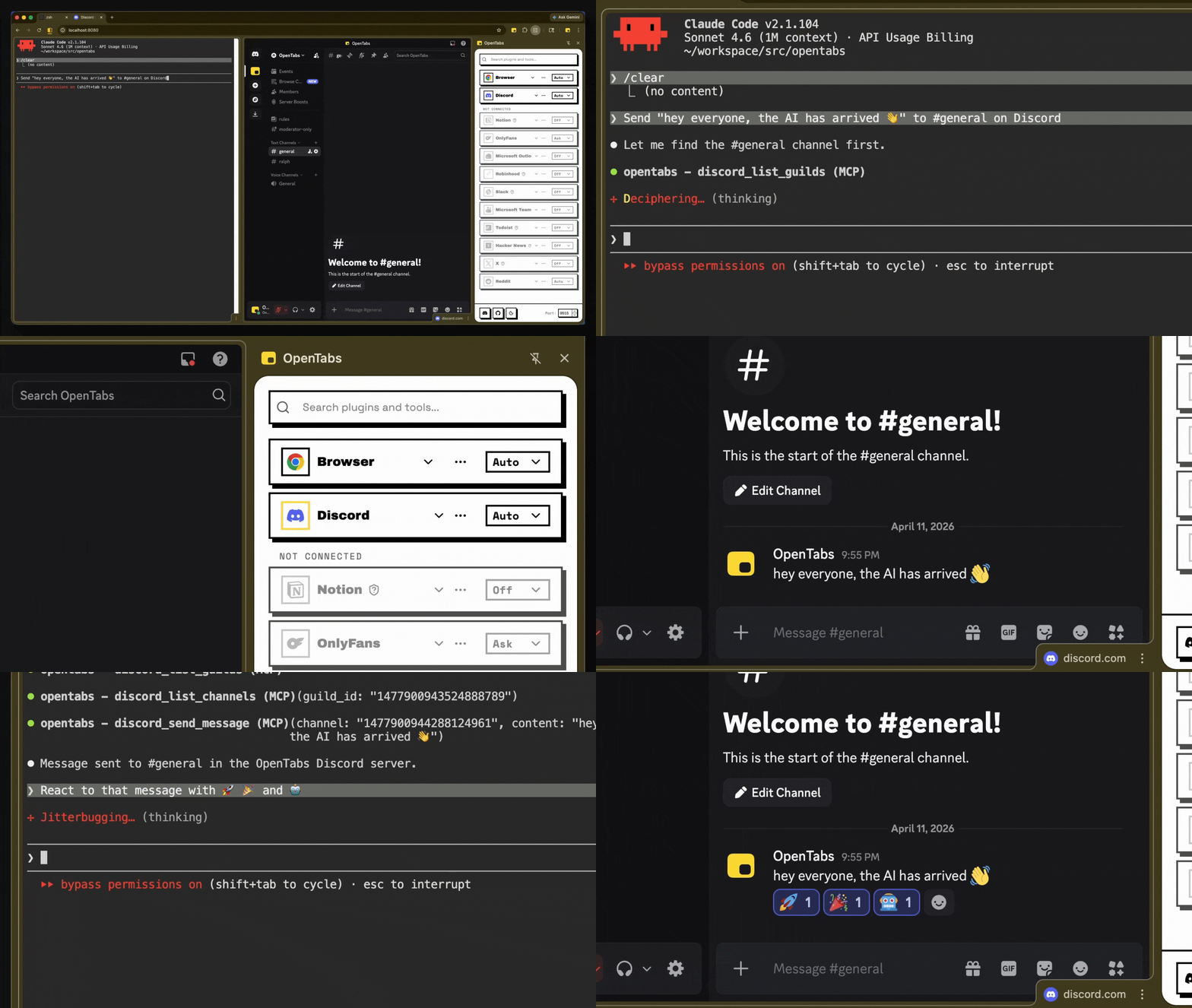
AI sending a Discord message and adding reactions — real API calls, not browser automation
How It Works
- Install the CLI and load the Chrome extension
- Connect — the extension bridges your browser to a local server
- Use — your AI calls web APIs through your authenticated session
No API keys. No OAuth setup. If you're logged in, your AI can use it.
Works with any MCP client. Don't want MCP? Use CLI mode instead.
Quick Start
Requires Node.js 22+ and Chrome.
npm install -g @opentabs-dev/cli
opentabs start
Load the extension from ~/.opentabs/extension in chrome://extensions/ (Developer mode → Load unpacked).
opentabs plugin install <plugin-name>Full walkthrough: Quick Start guide
What You Get
100+ plugins, ~2,000 tools. Slack, Discord, GitHub, Jira, Notion, Figma, AWS, Stripe, and a lot more. One command to install, works immediately.
Built-in browser tools. Screenshots, clicking, typing, network capture — works on any tab, no plugin needed.
Build your own. Scaffold a plugin in one command, publish to npm, anyone can install it. Or point your AI at any website — it discovers the APIs and builds the plugin for you. Plugin Development guide


