servo-fetch
A self-contained browser engine that fetches, renders, and extracts web content as Markdown, JSON, or screenshots — no Chromium, no API key, no setup.




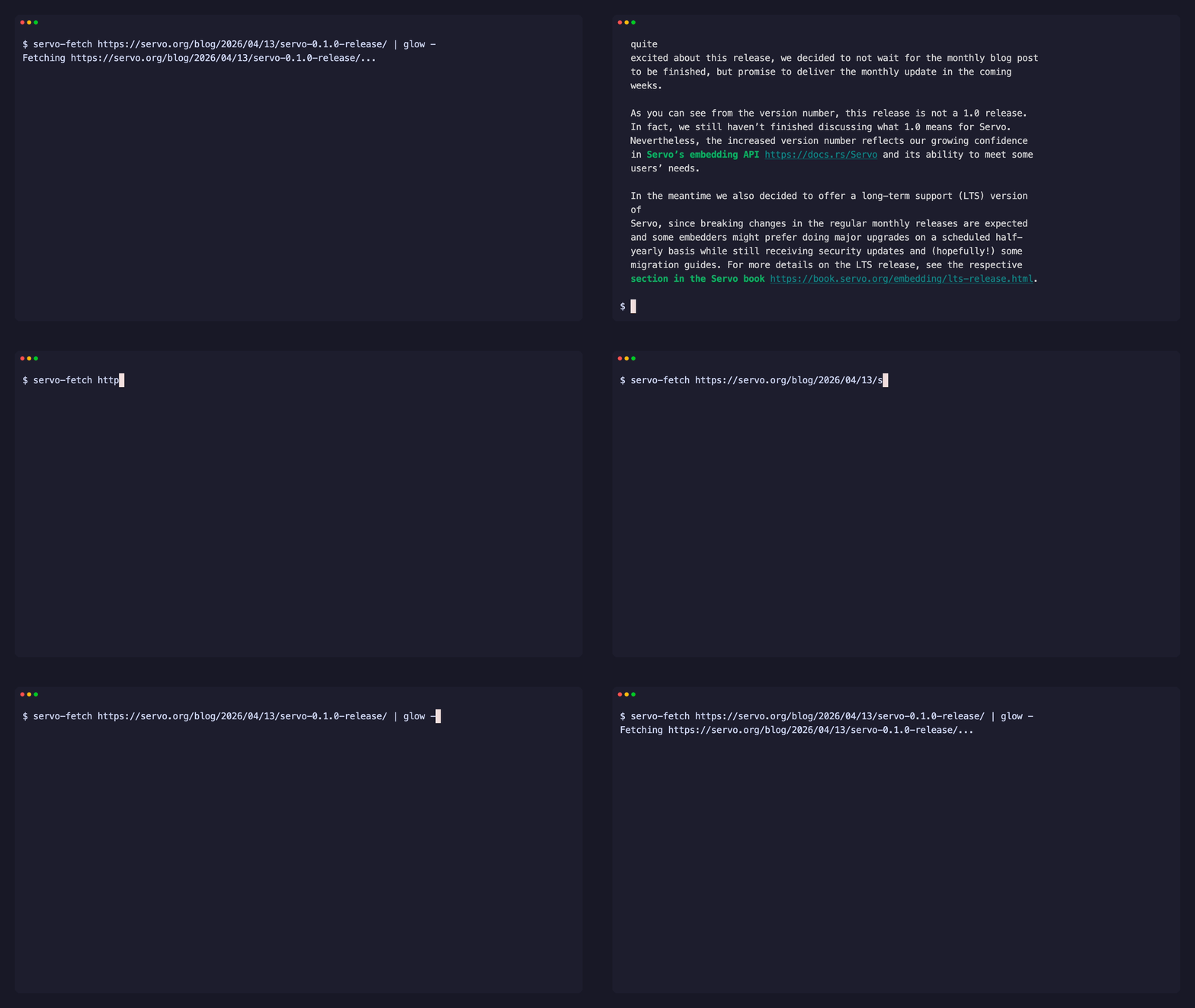
servo-fetch embeds the Servo browser engine. It executes JavaScript, computes CSS layout, captures screenshots with a software renderer, and extracts clean content — available as a CLI, a Rust library, a Python SDK, and a Node.js SDK.
# CLI
servo-fetch "https://example.com"                          # clean Markdown
servo-fetch "https://example.com" --format png -o page.png # PNG screenshot
// Rust
let md = servo_fetch::markdown("https://example.com").await?;# Python
page = servo_fetch.fetch("https://example.com")
print(page.markdown)// Node.js
import { fetch } from "servo-fetch";
const md = await fetch("https://example.com");Why servo-fetch
- Zero dependencies — single binary, no Chromium, no API key
- Real JS execution — SpiderMonkey runs JavaScript, parallel CSS engine computes layout
- Layout- and visibility-aware extraction — strips navbars, sidebars, footers by rendered position, plus cookie banners, modals, and CSS-hidden content (
opacity:0,aria-hidden, sr-only) - Schema-driven JSON — declarative CSS-selector schema pulls structured data
- Parallel batch fetch — multiple URLs fetched concurrently
- Isolated browser sessions — one-use worker process per session keeps cookies and storage fully separated
- Site crawling — BFS link traversal with robots.txt, same-site scope, and rate limiting
- URL discovery — sitemap-based URL mapping without rendering (fast, lightweight)
- Screenshots without GPU — software renderer captures PNG/full-page screenshots anywhere
- Accessibility tree — AccessKit integration with roles, names, and bounding boxes
- Agent-ready — drop-in web tool for AI agents: a built-in MCP server, or wrap the Python API as a tool in any agent framework