
Demo
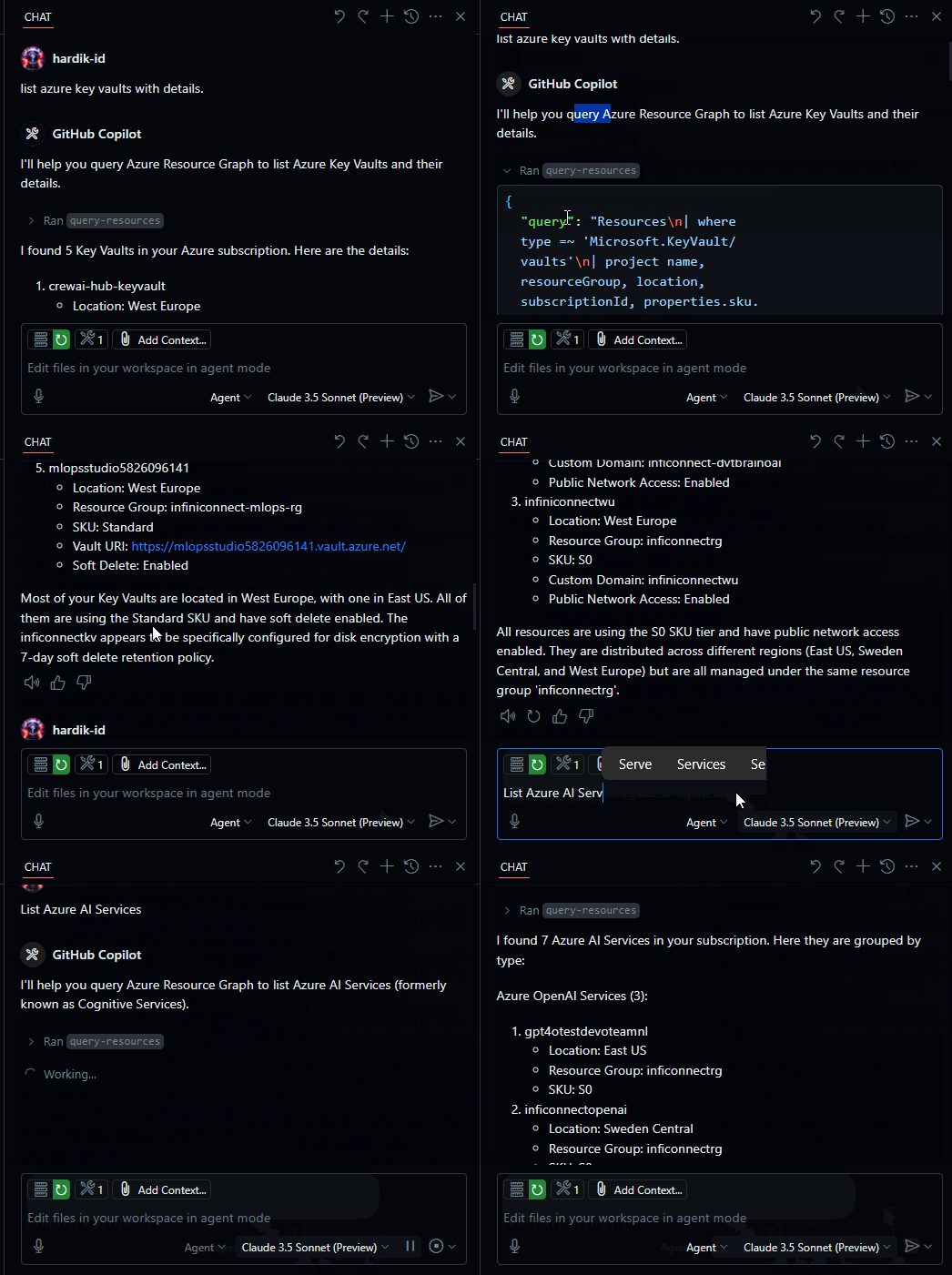
Flow
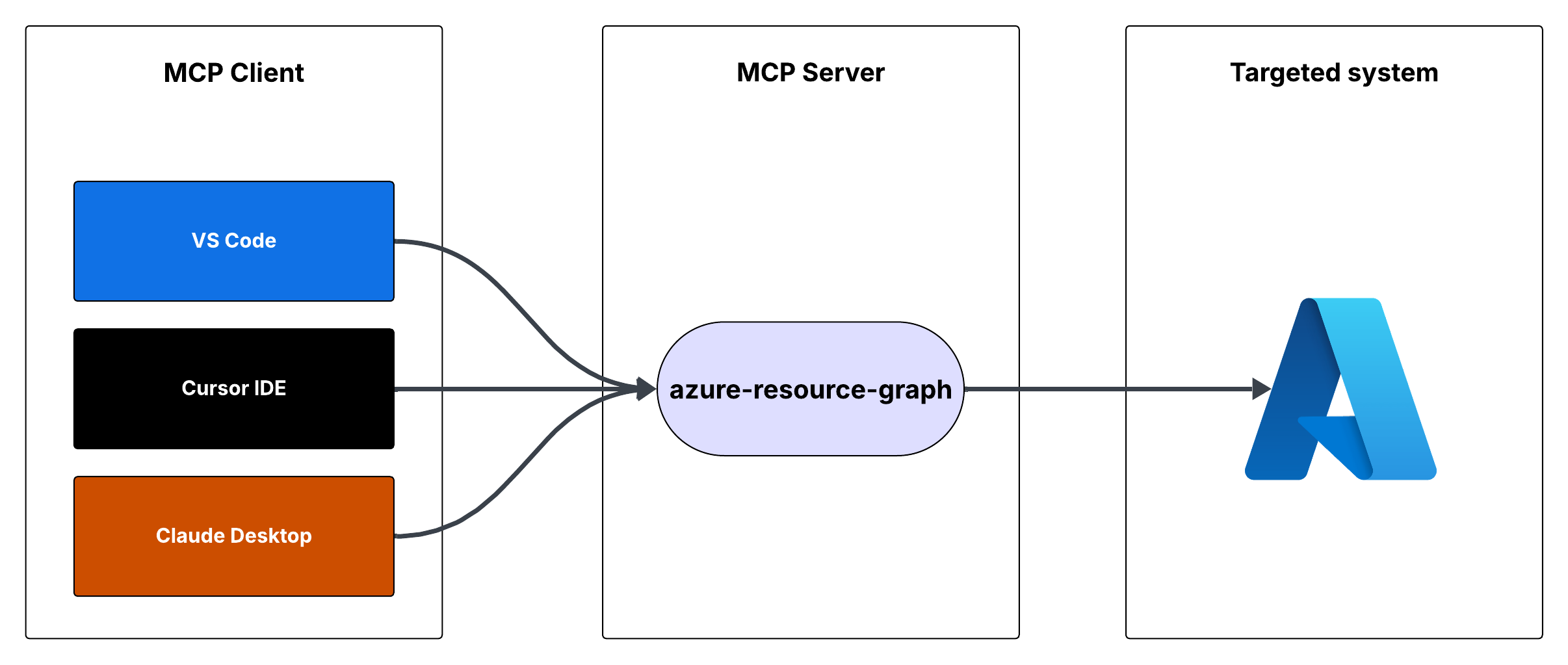
Azure Resource Graph MCP Server
This is a Model Context Protocol (MCP) server that provides access to Azure Resource Graph queries. It allows you to retrieve information about Azure resources across your subscriptions using Resource Graph queries.

Features
- Query Azure resources using Resource Graph queries
- Default query returns resource ID, name, type, and location
- Supports custom Resource Graph queries
- Uses Azure DefaultAzureCredential for authentication
Prerequisites
- Node.js installed
- Azure subscription
- Azure CLI installed and logged in, or other Azure credentials configured
Running the MCP Server
You can run the MCP server using either Cursor IDE or Visual Studio Code.
Option 1: Cursor IDE Integration
To integrate the MCP server with Cursor IDE:
- Clone this repository to your local machine (e.g.,
C:\YOUR_WORKSPACE\azure-resource-graph-mcp-server) - Build the project:
npm install
npm run build- Open Cursor Settings (JSON) and add the following configuration:
{
  "mcpServers": {
    "azure-resource-graph-mcp-server": {
      "command": "node",
      "args": [
        "C:\\YOUR_WORKSPACE\\azure-resource-graph-mcp-server\\build\\index.js"
      ],
      "env": {
        "SUBSCRIPTION_ID": "xxxxxx-xx-xx-xx-xxxxxx"
      },
    }
  }
}


