

Photopea MCP Server
Design posters, edit photos, and transform images directly from your terminal. Powered by Photopea -- a free, browser-based alternative to Photoshop -- connected to your AI agent via MCP.



Demo
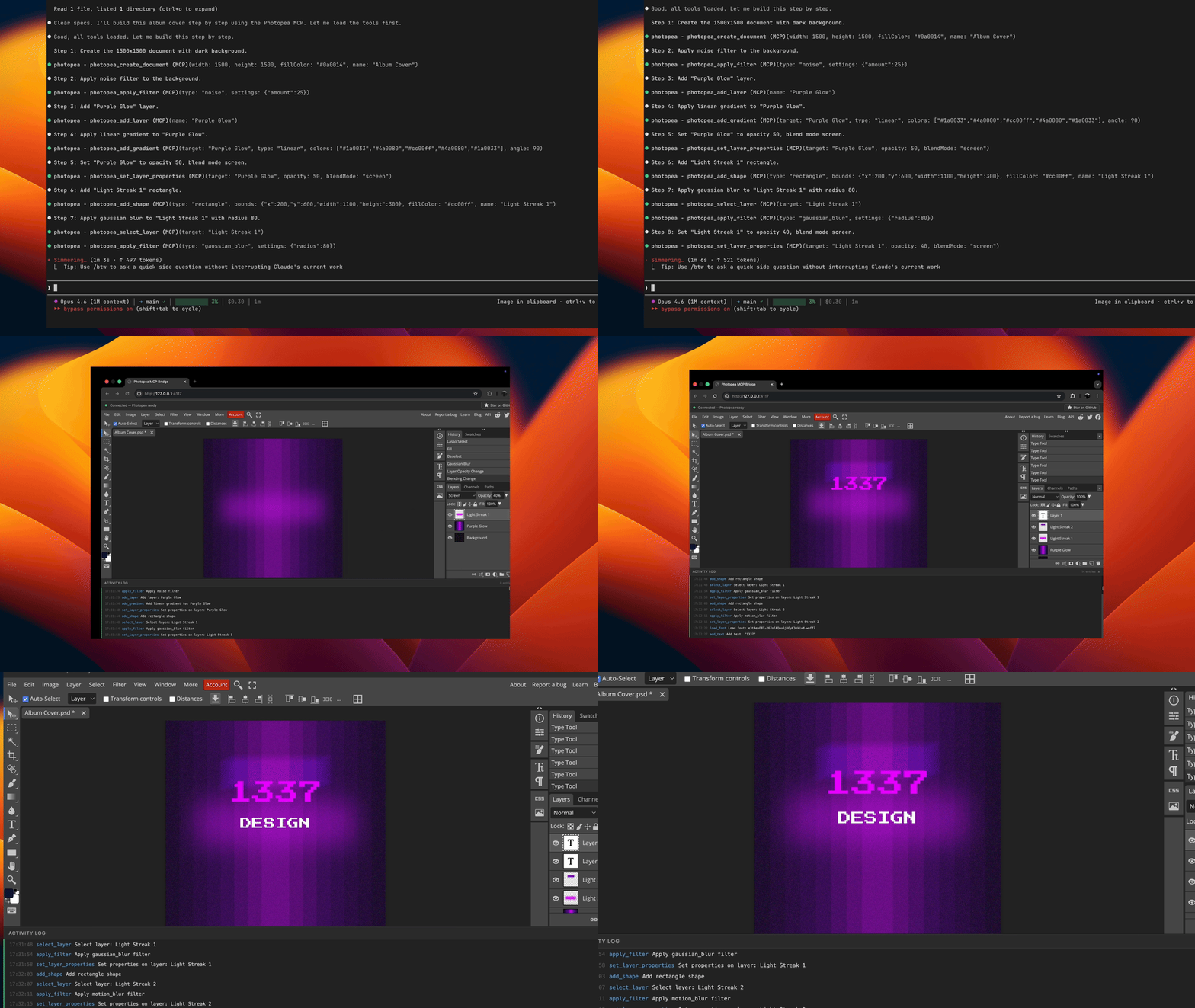
Prompt used in this demo: examples/album-cover-demo.md
How It Works
graph LR
    A[Agent] <-->|stdio| B[MCP Server]
    B <-->|WebSocket| C[Browser]
    C <-->|postMessage| D[Photopea]
Your agent sends editing commands through the MCP protocol. The server translates these into Photopea JavaScript API calls and executes them via a WebSocket bridge to the browser.
Note: A browser window will open automatically on the first tool call. This is expected -- Photopea runs entirely in the browser and the server needs it to perform image editing operations.
Quick Start
claude mcp add -s user photopea -- npx -y photopea-mcp-serverThen start a new Claude Code session and ask it to edit images. The Photopea editor will open in your browser automatically on the first tool call.