
Trayd
Trade Robinhood from Claude. Portfolio analysis, real-time quotes, and order execution through natural language.





Setup
Claude.ai (Web App) — No Install Required
- Go to claude.ai > Settings > Connectors
- Click Add custom connector
- Name:
trayd| URL:https://mcp.trayd.ai/mcp - Click Add > Connect > sign in with Google
- Say: "Link my Robinhood account"
- Approve the notification on your phone
- Start trading!
Claude Code (Terminal)
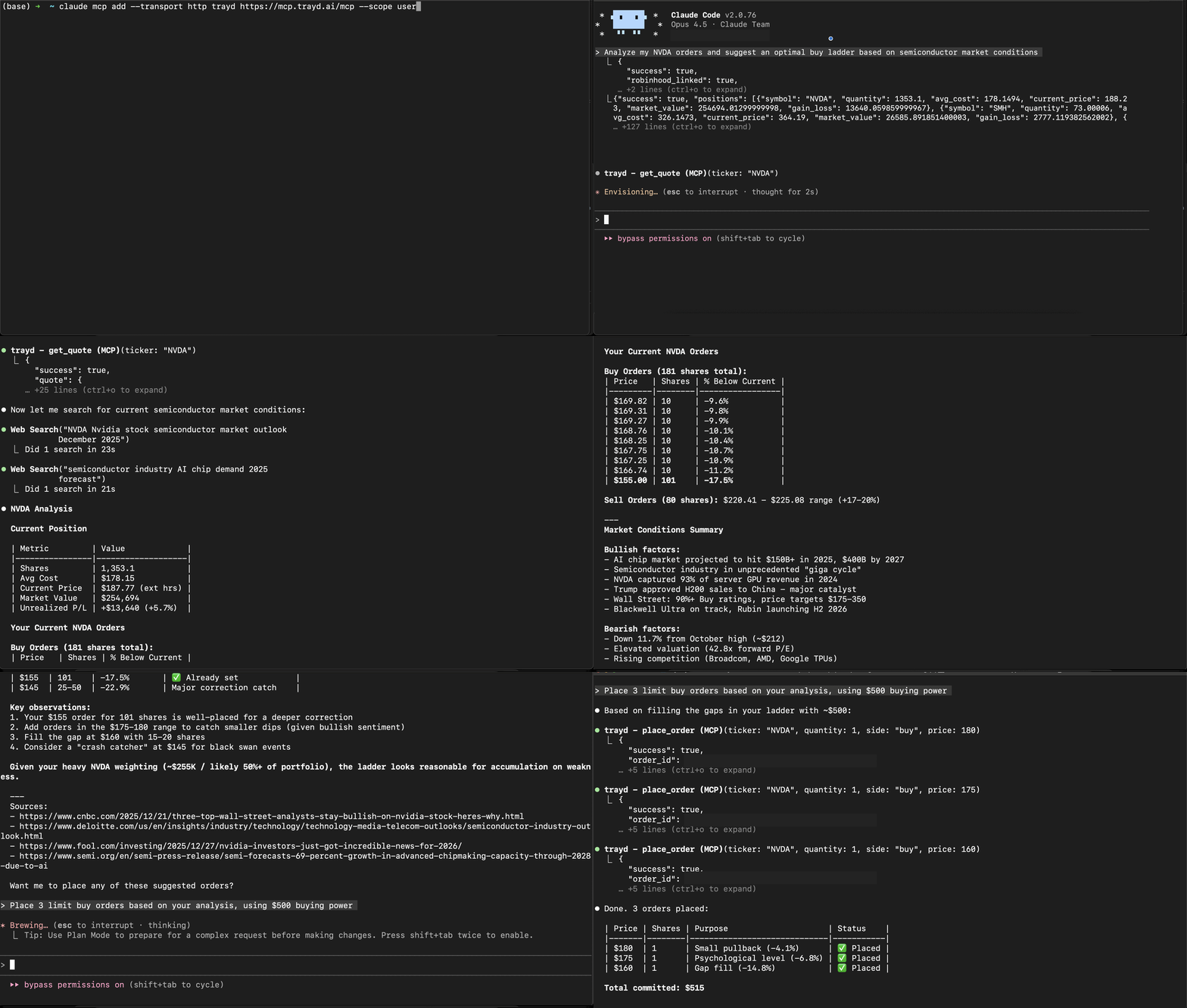
claude mcp add --transport http trayd https://mcp.trayd.ai/mcp --scope userType /mcp > select trayd > Authorize > sign in > "Link my Robinhood account"
Both connect to the same account. Use whichever you prefer.
What You Can Do
| Capability | Example |
|---|---|
| Portfolio analysis | "What's my portfolio worth?" / "Which positions are up today?" |
| Real-time quotes | "What's NVDA trading at?" — works 24/7 |
| Buy and sell | "Buy 10 shares of AAPL" / "Sell my TSLA position" |
| Limit orders | "Place a limit order for TSLA at $400" |
| Ladder orders | "Set 5 ladder buys for NVDA from $180 to $175" |
| Short selling | "Short 10 shares of GME" / "Check short availability for AMC" |
| Multi-account | "List my accounts" / "Show portfolio for account 2" |
| Batch orders | "Buy $500 worth of each: AAPL, GOOGL, MSFT" |
| Cancel orders | "Cancel all my open orders" |
| Persistent memory | "Remember my NVDA thesis" — saved to your private wiki, recalled every session |


