

Outlook Assistant
MCP server for Outlook email, calendar, and contacts — let your AI assistant manage your inbox directly from the conversation.





Outlook Assistant connects AI assistants to your Microsoft Outlook account through the Model Context Protocol. Ask your AI assistant to search your inbox, send emails, schedule meetings, manage contacts, and configure mailbox settings — without leaving the conversation. Works with Claude, GitHub Copilot, Cursor, Windsurf, and any MCP-compatible client.
Works with personal Outlook.com and work/school Microsoft 365 accounts.
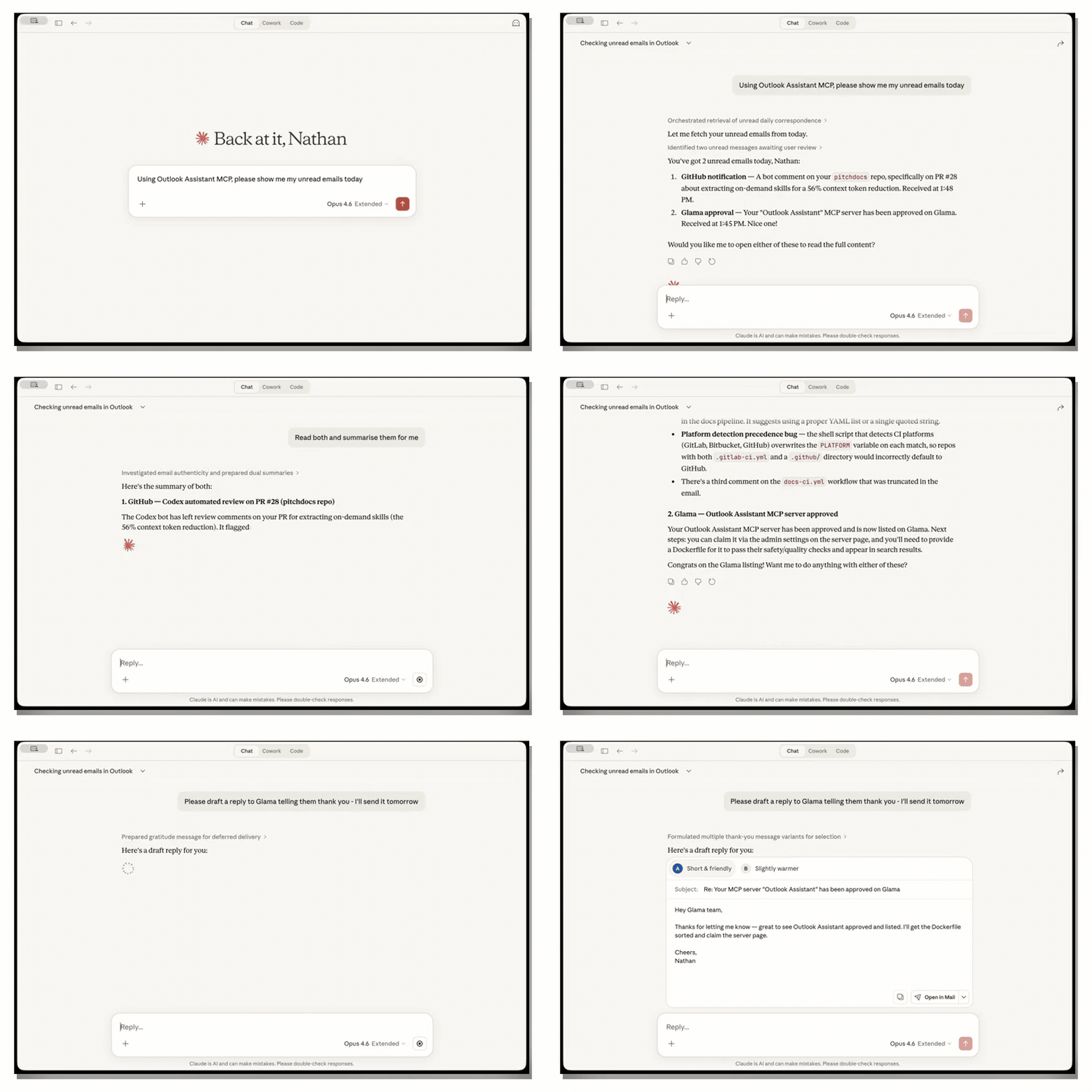
Search inbox → read & summarise → draft a reply — all from the conversation
What you can do
- 📨 Search and read emails — find messages by sender, subject, date, or keywords; read full threads with conversation grouping; batch flag, move, export, or categorise multiple emails at once
- 🛡️ Send emails with safety controls — dry-run preview, pre-send mail tips (out-of-office, mailbox full, delivery restrictions), session rate limiting, and recipient allowlist to prevent mistakes
- ✏️ Draft emails for review — create, update, and send drafts; reply and forward as drafts; preview before saving with dry-run mode
- 📅 Manage your calendar — view upcoming events, look back at past ones or find them by date range and subject, schedule meetings with attendees, update, decline or cancel events
- 📦 Export emails — save individual messages to Markdown, EML, JSON, or CSV; export full conversation threads to MBOX or HTML; bulk-export search results in one call
- 🔍 Investigate email headers — full raw header access (DKIM, SPF, DMARC, delivery chain, X-Mailer, X-Originating-IP) for phishing investigation and compliance review
- 🗂️ Organise your inbox — create nested folders (addressable by path), set up inbox rules, colour-code with categories, manage Focused Inbox — all work together for complete inbox automation
- 🔄 Track inbox changes — delta sync detects new, modified, and deleted emails since your last check, with tokens for incremental polling
- 👥 Manage contacts — search your contact book and organisational directory, create and update contact records
- ⚙️ Configure settings — set out-of-office auto-replies, working hours, and time zone
- 📬 Access shared mailboxes — read and organise team inboxes and service accounts, including custom subfolders and nested folder paths; enumerate, read, and search the folder tree (best-effort — listings flag any branches skipped due to depth limits or per-folder errors), move/flag/categorise messages, and manage folders (work/school Microsoft 365 accounts; opt-in via
OUTLOOK_SHARED_MAILBOX). Sending, drafts, replies, and forwards from a shared mailbox are not supported — those operations always act on the signed-in user's own mailbox - 🏢 Find meeting rooms — search by building, floor, capacity, AV equipment, and wheelchair accessibility (Microsoft 365)


