
MCP AI Server for Visual Studio
Other tools read your files. MCP AI Server understands your code.


The first and only Visual Studio extension that gives AI assistants access to the C# compiler (Roslyn) and the Visual Studio Debugger through the Model Context Protocol. 41 tools. 13 powered by Roslyn. 19 debugging tools (Preview). Semantic understanding, not text matching.
Install
Install from Visual Studio Marketplace
Or search for "MCP AI Server" in Visual Studio Extensions Manager.
See it in Action
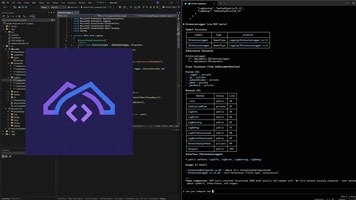
Click to watch on YouTube
Why MCP AI Server?
AI coding tools (Claude Code, Codex CLI, Gemini CLI, OpenCode, Cursor, Copilot, Windsurf...) operate at the filesystem level — they read text, run grep, execute builds. They don't understand your code the way Visual Studio does.
MCP AI Server bridges this gap by exposing IntelliSense-level intelligence and the Visual Studio Debugger as MCP tools. Your AI assistant gets the same semantic understanding that powers F12 (Go to Definition), Shift+F12 (Find All References), safe refactoring — and now runtime debugging.


