

srunx
A unified CLI, web dashboard, and Python API for SLURM job management.
Stop juggling sbatch scripts, squeue loops, and SSH sessions.







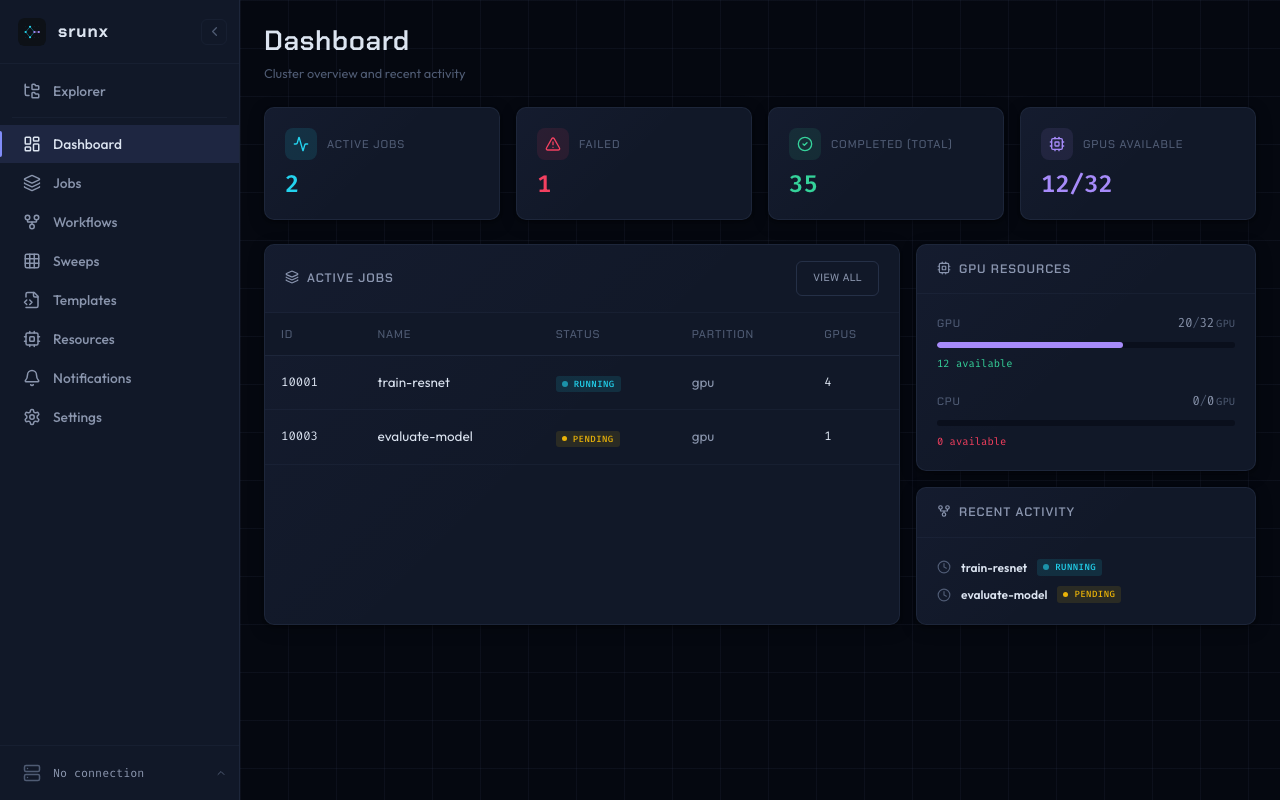
- Submit & manage SLURM jobs from CLI, browser, or Python
- Orchestrate multi-step workflows with YAML and dependency graphs
- Monitor GPU availability and job states with Slack notifications
- Local or remote, one CLI — target a local SLURM or any SSH'd cluster with
--profile <name>; no shell-in, no separate "remote" commands — the same verbs you already know - Container-native — Pyxis, Apptainer, and Singularity support built in
Installation
Requires Python 3.12+ and access to a SLURM cluster (local or via SSH).
uv add srunx             # with uv (recommended)
pip install srunx        # or with pip
The web dashboard and Slack notifications are included in the base install — no extras required.
For AI agent integration (MCP server), add the mcp extra:
uv add "srunx[mcp]"Quick Start
Submit a job, wait for it, and view the logs — end to end:
# 1. Submit
$ srunx sbatch --job-name training --gpus-per-node 2 --conda ml_env --wrap "python train.py"
✅ Submitted job training (id=847291)

# 2. Follow until completion
$ srunx watch jobs 847291
⠋ 847291 training  PENDING  →  RUNNING  →  COMPLETED (4m 12s)

# 3. Inspect output
$ srunx tail 847291 -n 20


