
Discord MCP Server




Control your Discord server using AI — 44 tools, no cloning required. Works with any MCP-compatible app: Claude Desktop, Cursor, Windsurf, Continue.dev, Zed, Claude Code, and more.
What is MCP? Model Context Protocol is an open standard that lets AI apps talk to external tools. This project is one of those tools — it gives any AI assistant the power to manage your Discord server.
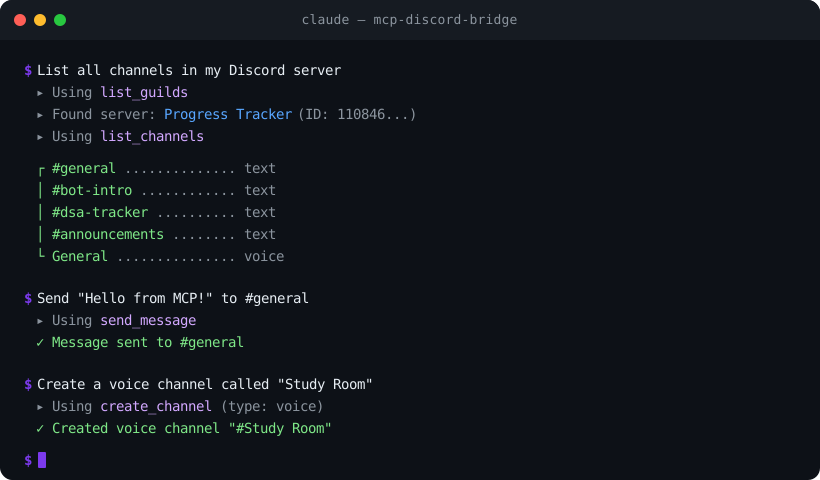
Install in one line
npx -y mcp-discord-bridgeThat's it — no clone, no npm install. Just add it to your AI app's MCP config (see Quick Start below).
What Can It Do?
Once connected, your AI assistant can:
- Channels — create, delete, rename, move channels and categories
- Messages — read, send, edit, delete, search messages, send DMs, add/remove reactions
- Forum Channels — list forums, create/read/reply/delete forum posts
- Webhooks — create, send via, edit, and delete webhooks
- Members — list members, view profiles, check roles
- Roles — list, create, edit, delete, assign, and remove roles
- Moderation — kick, ban, unban, timeout members, set nicknames
- Threads — create, list, archive, unarchive, join, and delete threads
- Server — list all servers the bot is in, view channel layouts


