
DirForge





A stateless, read-only web file browser for homelab and NAS power users. No database, no background workers, no disk writes - just point it at a mounted path and go.
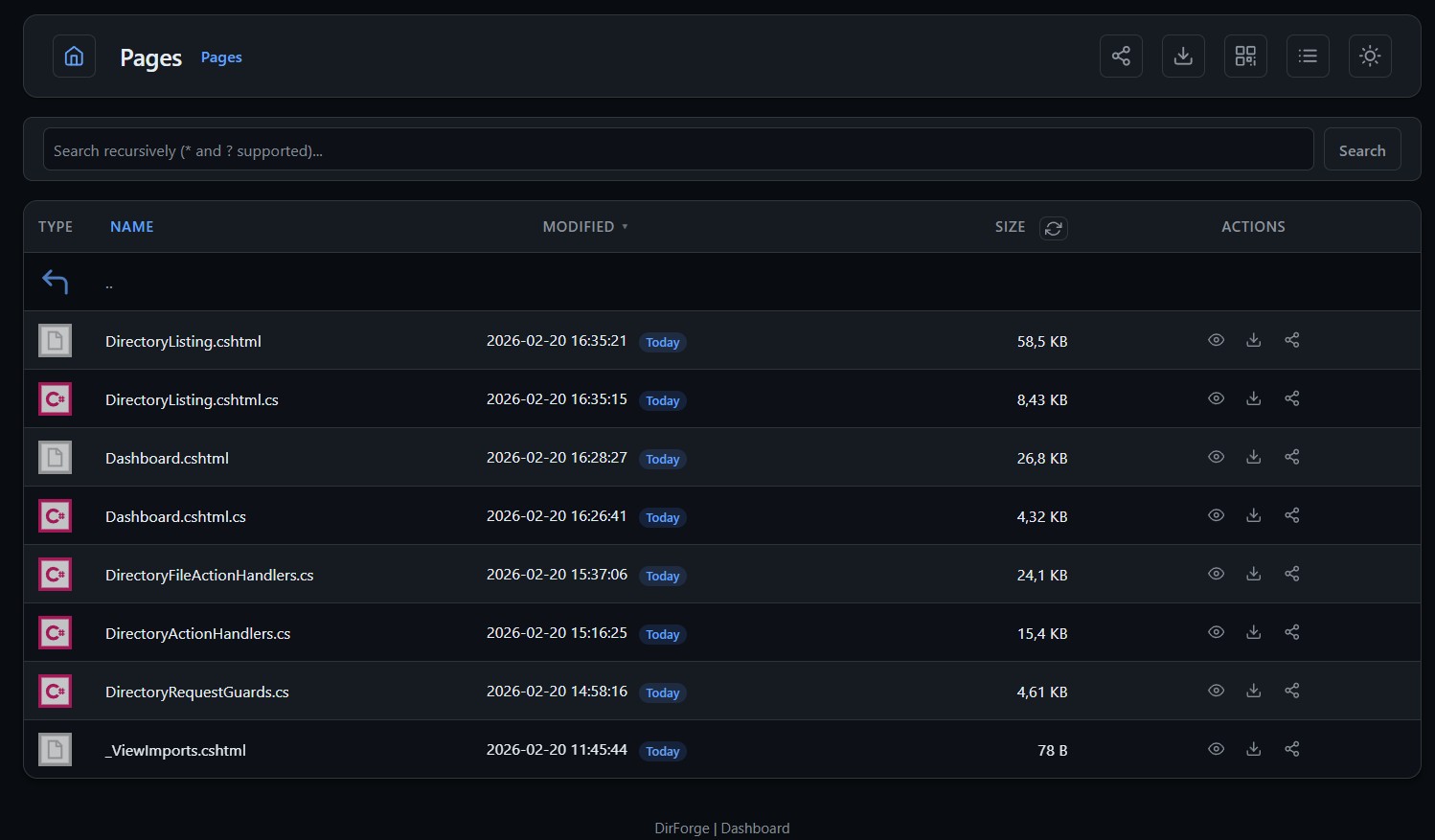
Browse files in a clean web UI with search, previews, and archive inspection. Download individual files or entire folders as ZIP. Access the same data through a RESTful JSON API, an S3-compatible endpoint for tools like rclone, a read-only WebDAV mount for native OS file managers, or an MCP server for AI assistants. Everything runs in a single stateless container with no external dependencies.
Quick Start
Prerequisite: Docker or Podman (images are published for amd64 and arm64).
Docker run
docker run -d \
  --name dirforge \
  -p 8091:8080 \
  -e RootPath=/data \
  -v /srv/share:/data:ro \
  ghcr.io/dissimilis/dirforge:latest
Docker Compose
cp .env.example .env
# edit HOST_PATH, BasicAuthUser, and BasicAuthPass in .env
docker compose up -d
Warning: The default compose file falls back to
admin/dirforgecredentials if you don't setBasicAuthUserandBasicAuthPassin your.env. Change these before exposing the service on your network.


