
Video Editor MCP server
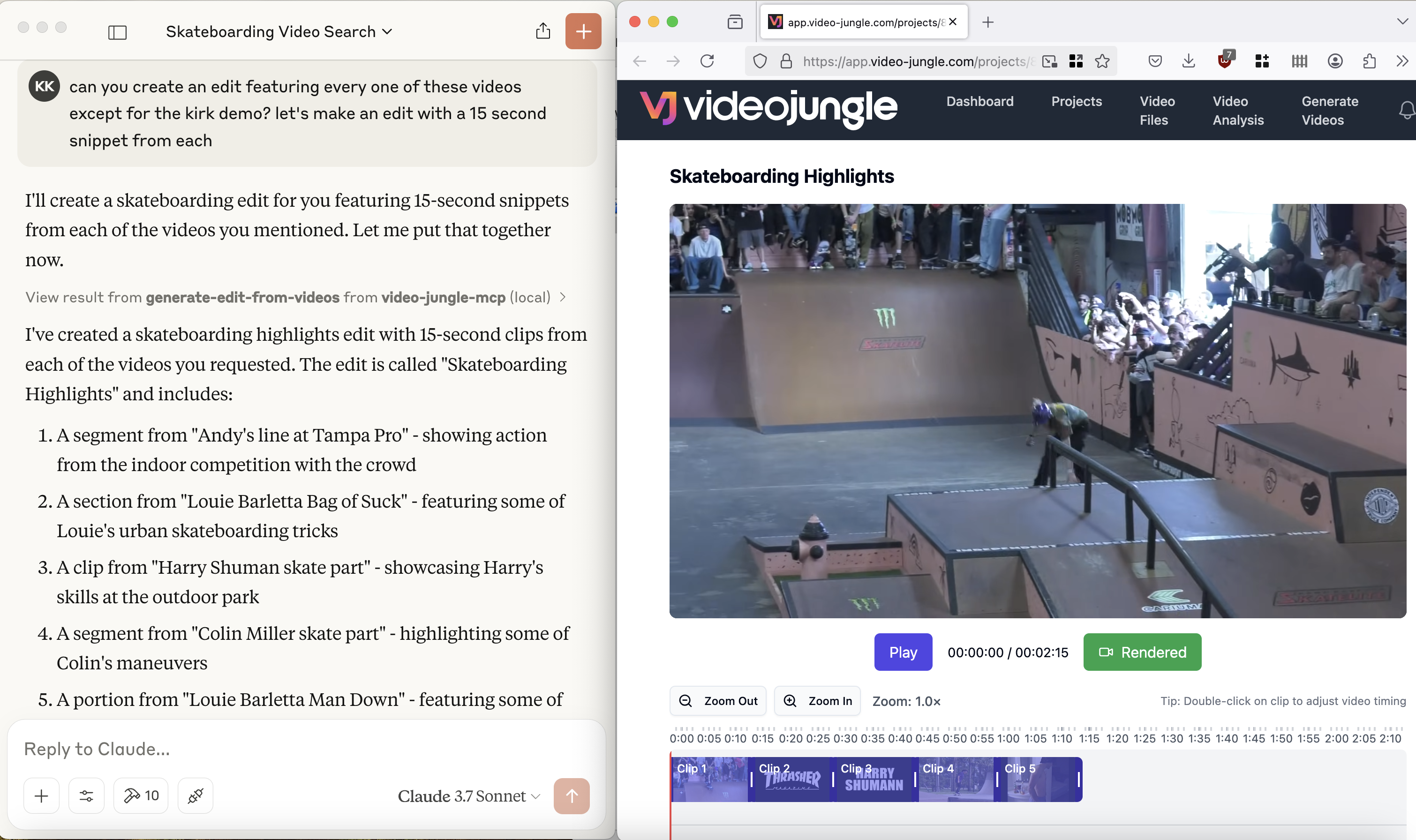
See a demo here: https://www.youtube.com/watch?v=KG6TMLD8GmA
Upload, edit, search, and generate videos from everyone's favorite LLM and Video Jungle.
You'll need to sign up for an account at Video Jungle in order to use this tool, and add your API key.

Components
Resources
The server implements an interface to upload, generate, and edit videos with:
- Custom vj:// URI scheme for accessing individual videos and projects
- Each project resource has a name, description
- Search results are returned with metadata about what is in the video, and when, allowing for edit generation directly
Prompts
Coming soon.
Tools
The server implements a few tools:
- add-video
- Add a Video File for analysis from a URL. Returns an vj:// URI to reference the Video file
- create-videojungle-project
- Creates a Video Jungle project to contain generative scripts, analyzed videos, and images for video edit generation
- edit-locally
- Creates an OpenTimelineIO project and downloads it to your machine to open in a Davinci Resolve Studio instance (Resolve Studio must already be running before calling this tool.)
- generate-edit-from-videos
- Generates a rendered video edit from a set of video files
- generate-edit-from-single-video
- Generate an edit from a single input video file
- get-project-assets
- Get assets within a project for video edit generation.
- search-videos
- Returns video matches based upon embeddings and keywords
- update-video-edit
- Live update a video edit's information. If Video Jungle is open, edit will be updated in real time.


