








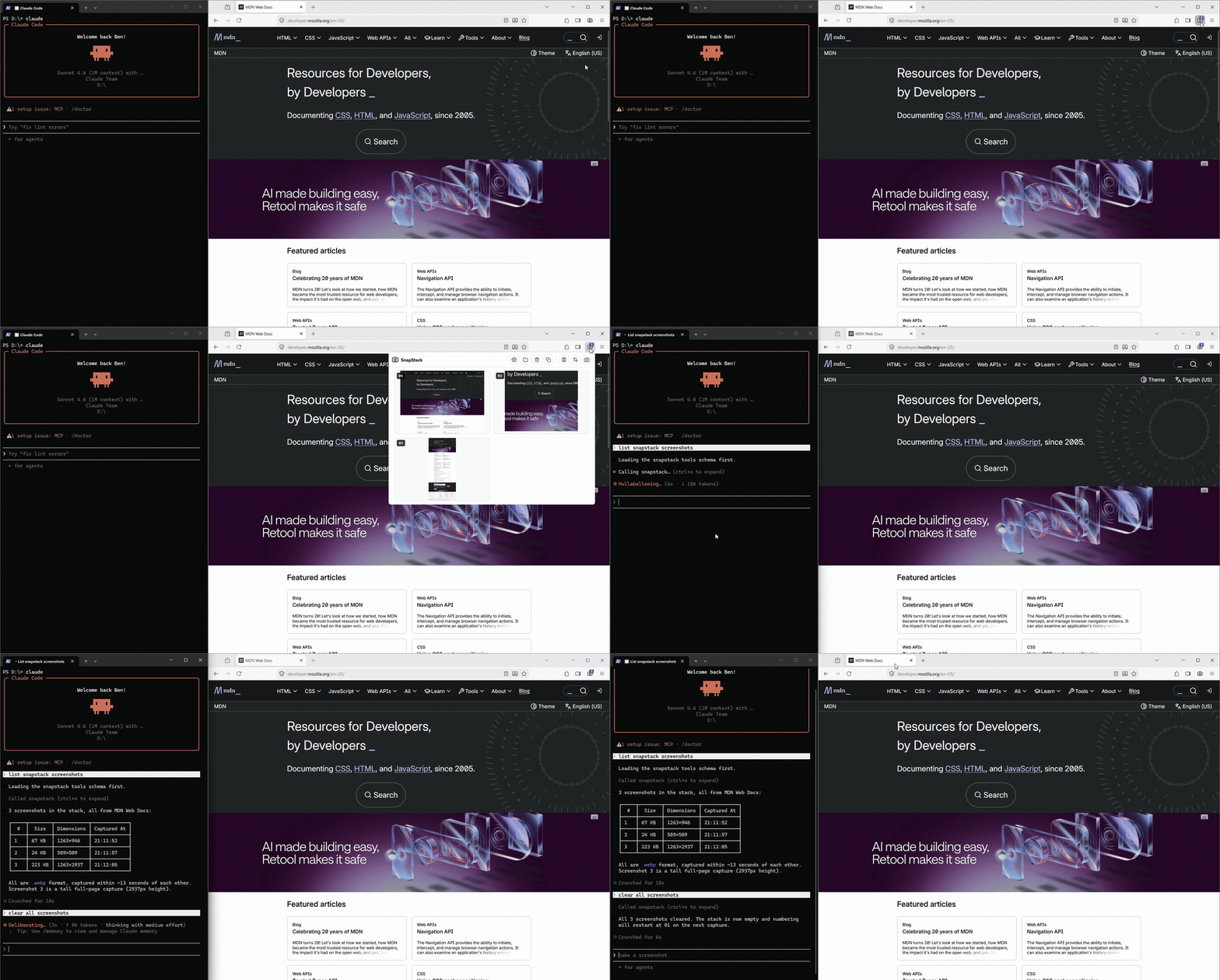
The SnapStack server is a single always-on Node process: it receives browser captures from the
extension, stacks them on disk, and serves them to any
MCP-capable LLM client over Streamable HTTP. It listens only on 127.0.0.1 — nothing ever leaves your machine.
New here? The full install + usage guide lives in the extension README: snapstack-extension. This page is the technical reference.
Architecture
One always-on process serves both the extension (capture) and your MCP client, decoupled by a folder on disk.
[MV3 extension]  --POST /push (bytes) ┐
                                      ▼
                              [SnapStack server - 127.0.0.1:4123]
                                 ├─ writes           →  stack on disk
└─ MCP /mcp (HTTP) ← MCP client- Capture — the extension encodes the shot as WebP (PNG fallback), downscales it, and POSTs it here.
- Stack — one image file (
.webp/.png) plus a twin.json(url, title, timestamp, dimensions) per capture, namedNN <timestamp>: a stable two-digit number (assigned in capture order, restarts at01when the stack empties) plus a timestamp, under~/.snapstack/. - Retrieval —
get_screenshotsreturns a JSON manifest (number, absolute path, dimensions, metadata — no image bytes); the client reads only the files it needs, by path. Deletion is a separate, explicitclear_screenshotsstep. Retrieval never deletes.


