
Apple Notes MCP Server
English | 简体中文
Let Claude read and edit your Apple Notes — with native formatting, tables, attachments, and iCloud sync.

Claude edits your notes the way you would: change one line or tick a checkbox, and the rest of the note stays exactly as it was — colors, fonts and all. Titles, headings, lists, checklists, tables and highlights are real Apple Notes styles. Claude can also look at the images, scans and PDFs in your notes, and keep your folders tidy.
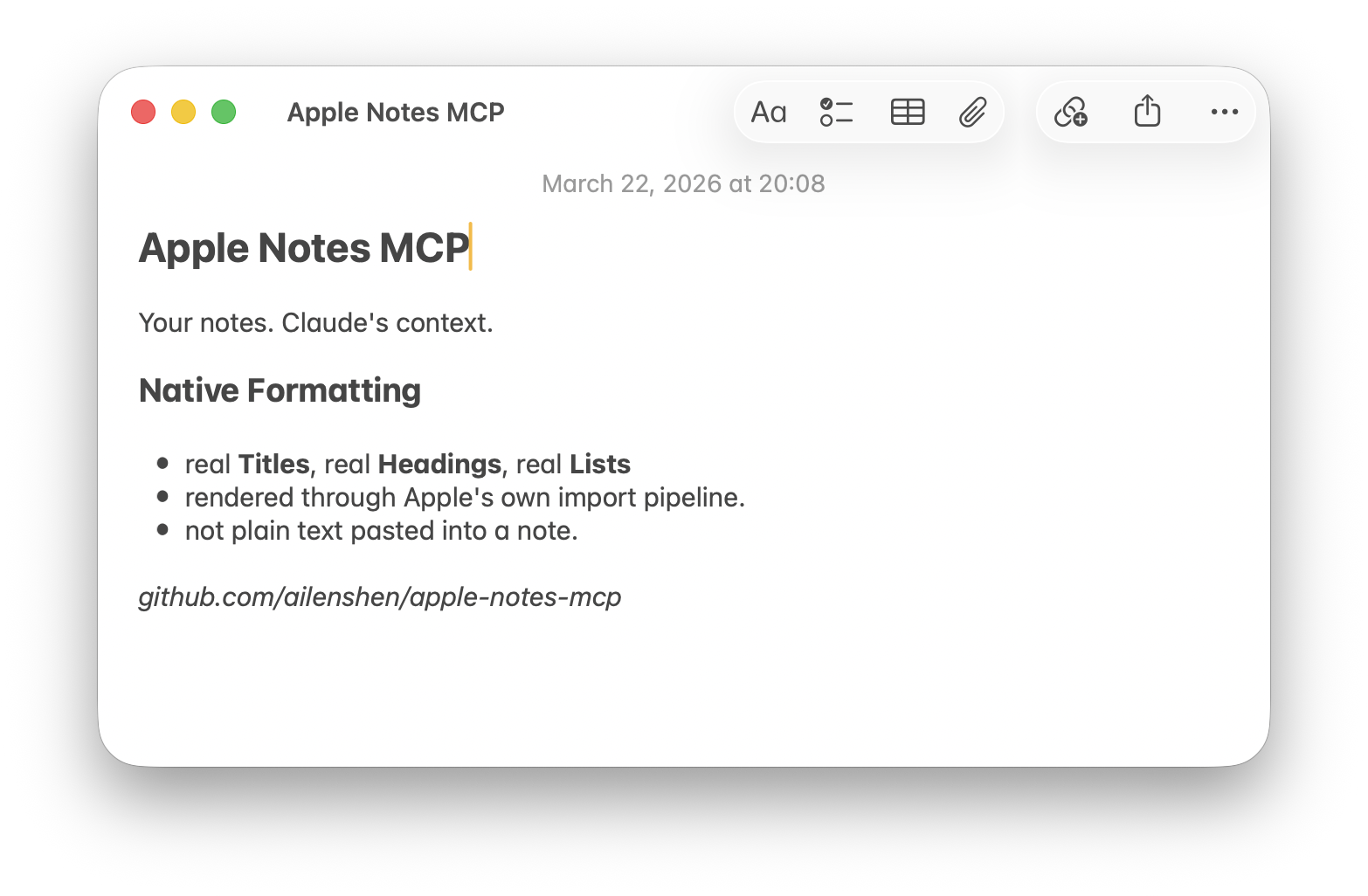
Requires: macOS 26 (Tahoe) or later, Node.js 24+, and Claude Code, Claude Desktop (including Cowork and Code sessions) or claude.ai. Other MCP clients work too: it speaks MCP 2026-07-28 and the older initialize handshake (2024-11-05 to 2025-11-25)
Setup
1. Add to Claude
Claude Code — run in Terminal:
claude mcp add apple-notes -- npx -y @ailenshen/apple-notes-mcp@latestClaude Desktop — add to ~/Library/Application Support/Claude/claude_desktop_config.json, then restart Claude:
{
  "mcpServers": {
    "apple-notes": {
      "command": "npx",
      "args": ["-y", "@ailenshen/apple-notes-mcp@latest"]
    }
  }
}


